 BizSpace Portal
 Payroll Portal
 Supply Chain Financing


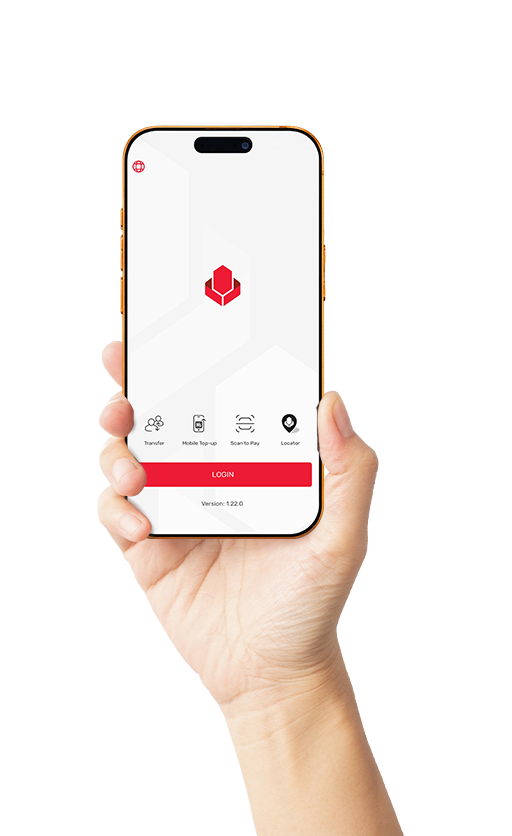
Yoma Bank Next Mobile Application
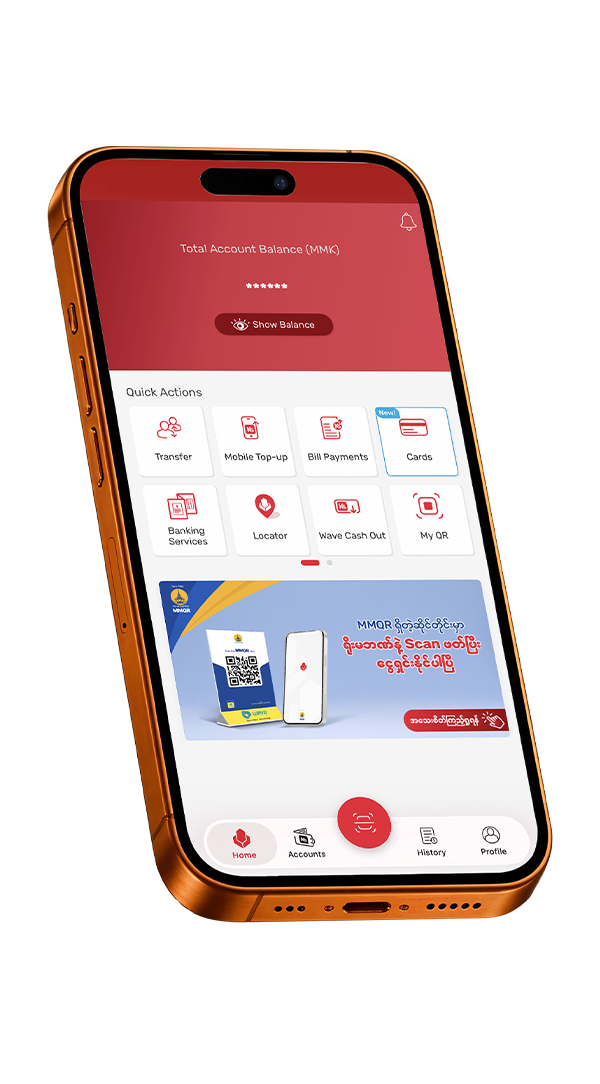
With new, improved features and a more user-friendly interface, Yoma Bank Next Mobile Application allows you to easily and securely manage all your accounts in one place, from anywhere, at any time.
Manage your banking anytime, anywhere with the Yoma Bank Next Mobile Application. Check your account balance, transfer funds to local bank and WavePay accounts, pay bills, view and repay loans, manage your accounts and cards, receive payments with My QR, pay by scanning MMQR, Wave QR, or Yoma QR, and easily open a Fixed Deposit Account—all without visiting a branch.
Why you should use Yoma Bank Next Mobile Application?
Features and Benefits

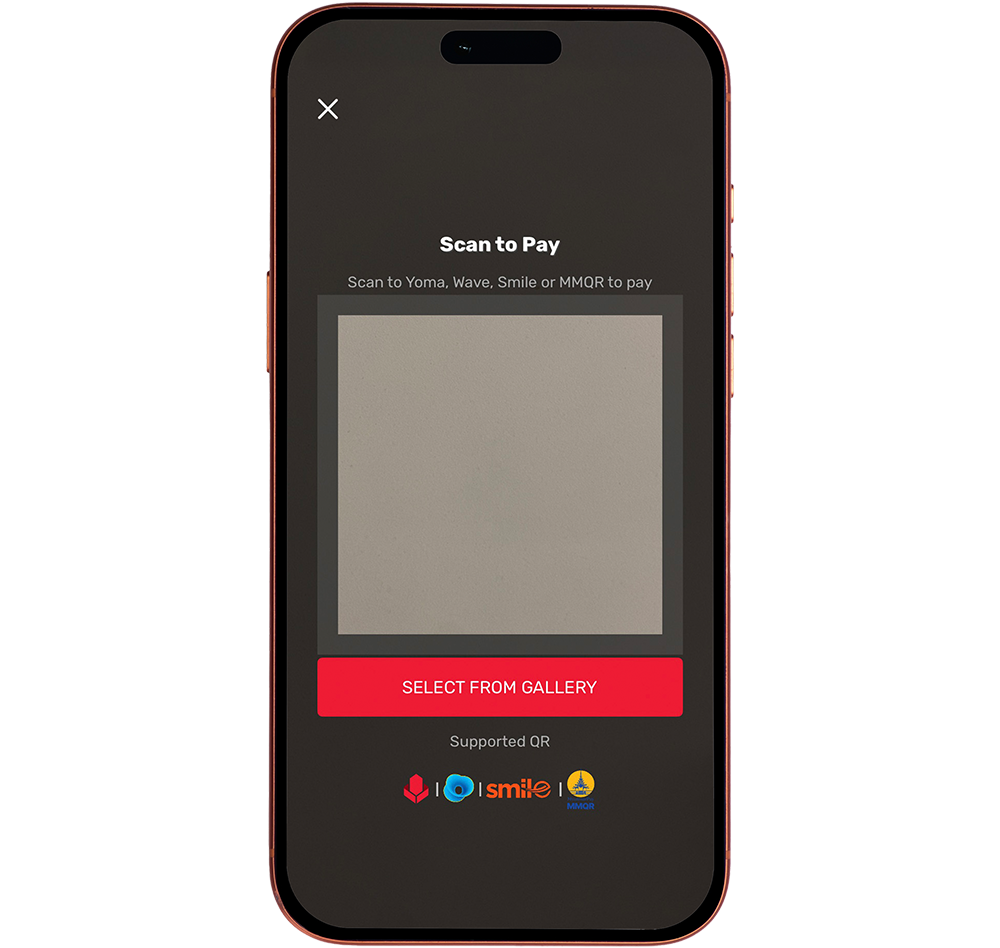

QR Payment
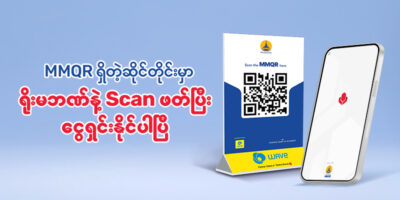
With the ‘Scan to Pay’ and ‘My QR’ features, you can easily send and receive payments between Yoma Bank Next Mobile Application users. You can also transfer funds directly to WavePay accounts using the ‘WavePay Account Transfer’ feature, make payments at Wave Merchants by scanning QR codes, and pay at MMQR merchants by scanning MMQR.

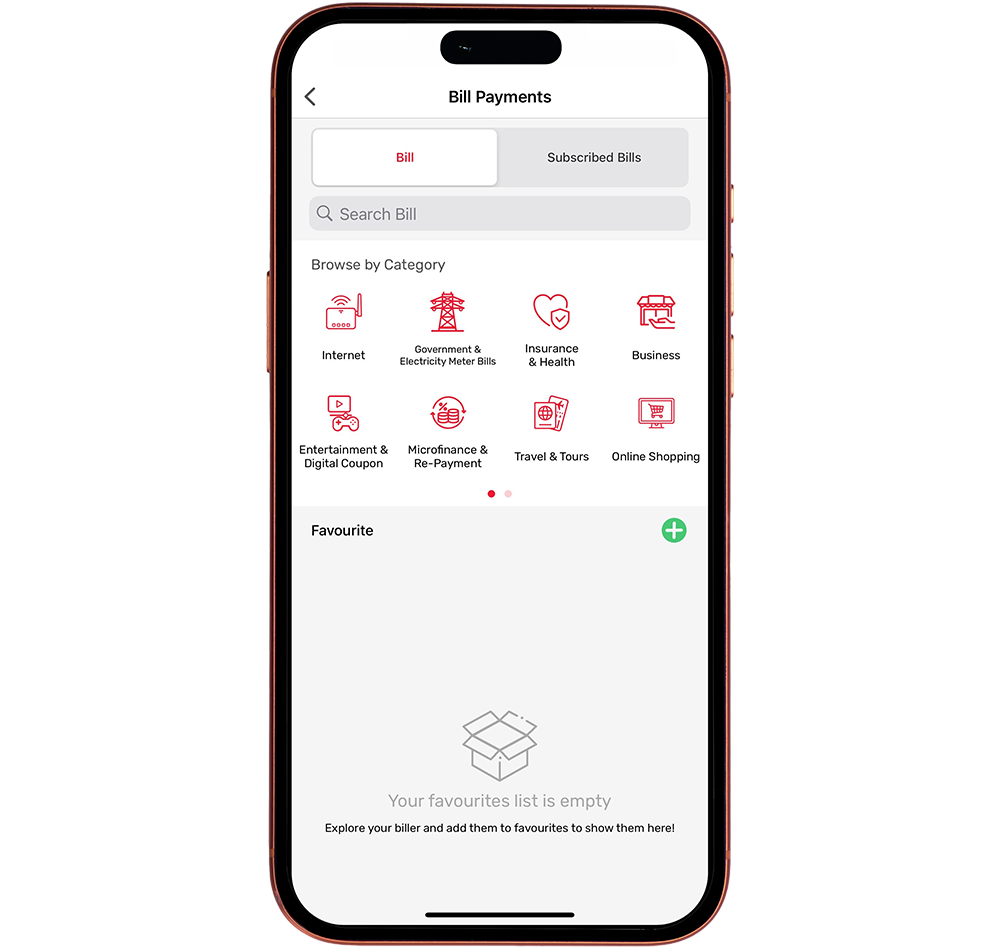
Bill Payment
Pay bills and service fees to over 70 billers across a wide range of categories through the ‘Bill Payment’ feature. You can also conveniently make government payments, including electricity bills, customs duties, and municipal (YCDC) fees.
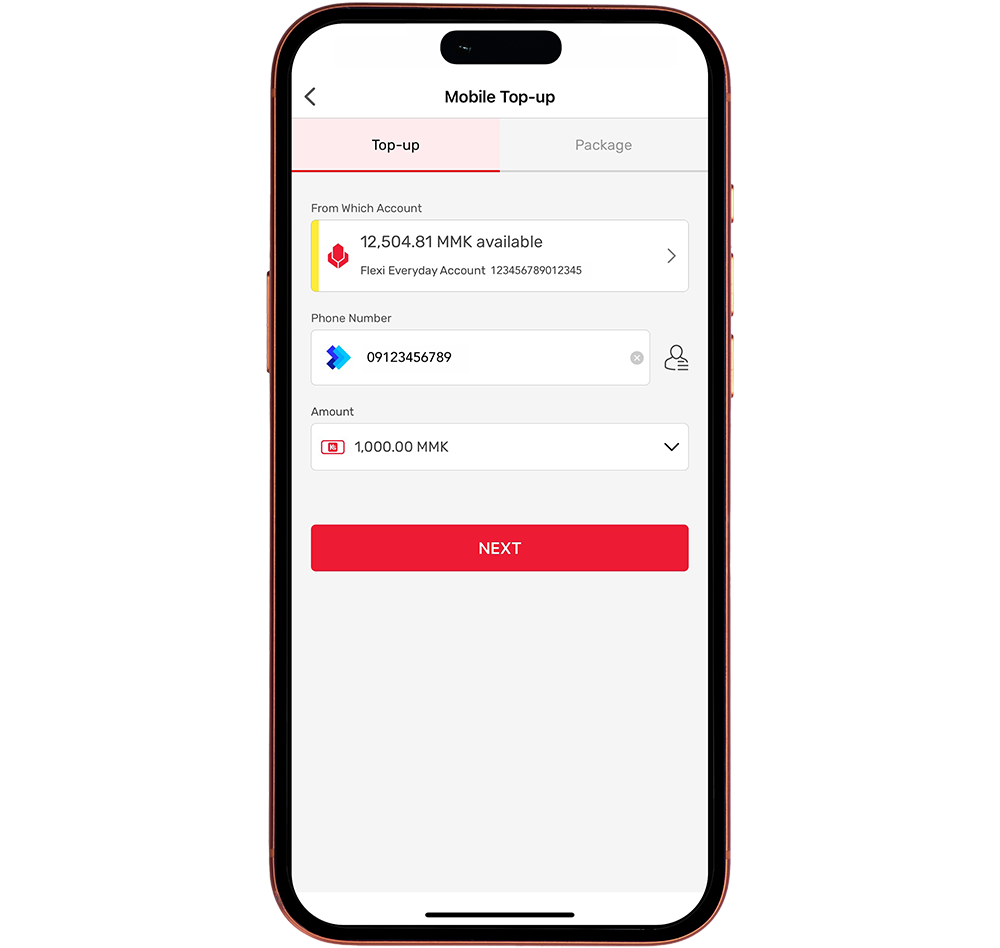

Mobile Top-up
Top up your mobile phone balance for any mobile operator by simply entering your phone number through the ‘Mobile Top-up’ feature.
Account Transfer (Own/Other)
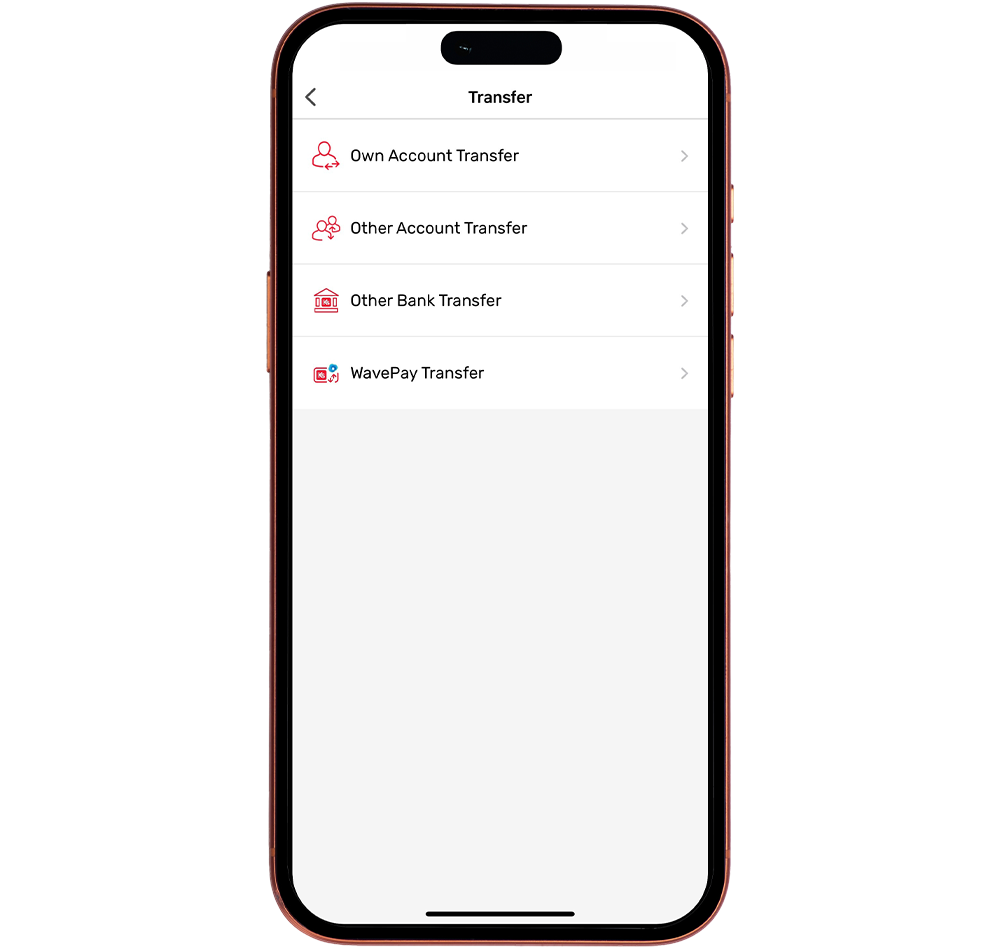
Transfer funds between your own Yoma Bank accounts or to other Yoma Bank accounts using ‘Account Transfer’ feature.
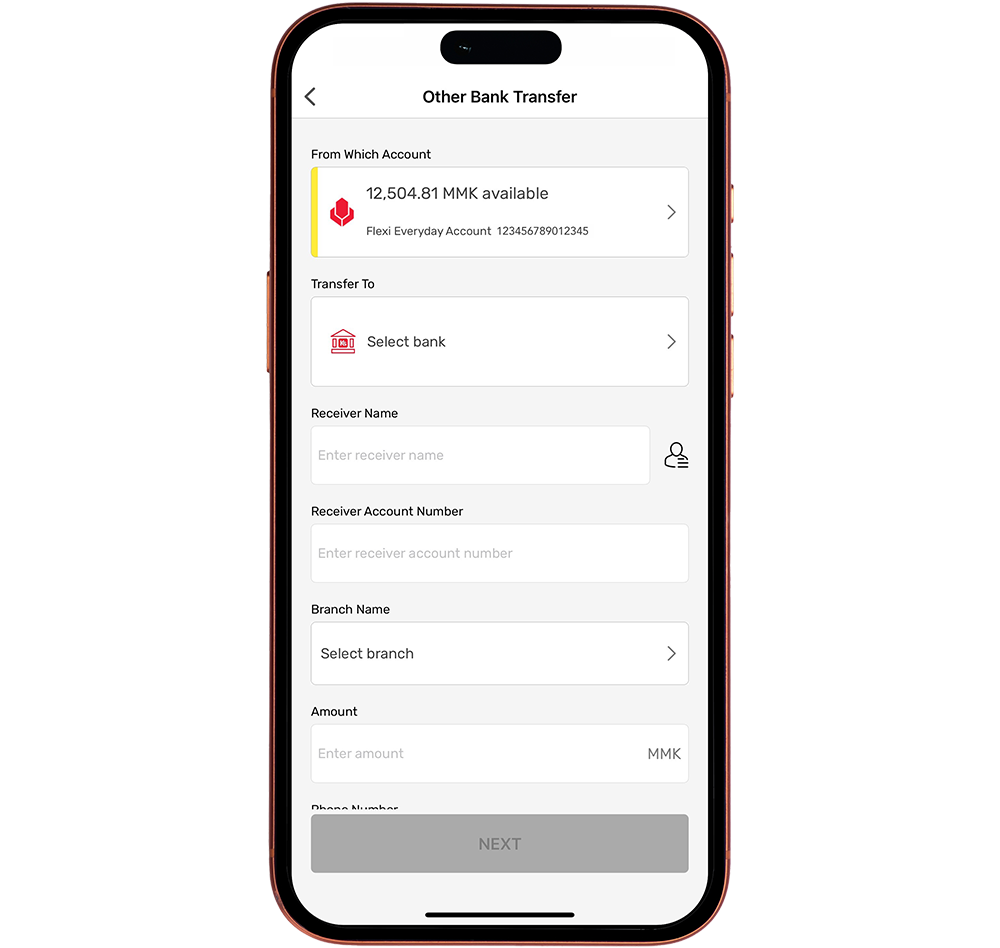

Interbank Transfer
Transfer funds securely from your Yoma Bank account to over 50 banks nationwide through the ‘Interbank Transfer’ feature, without visiting a branch, for a small transfer fee.

Scheduled Payments
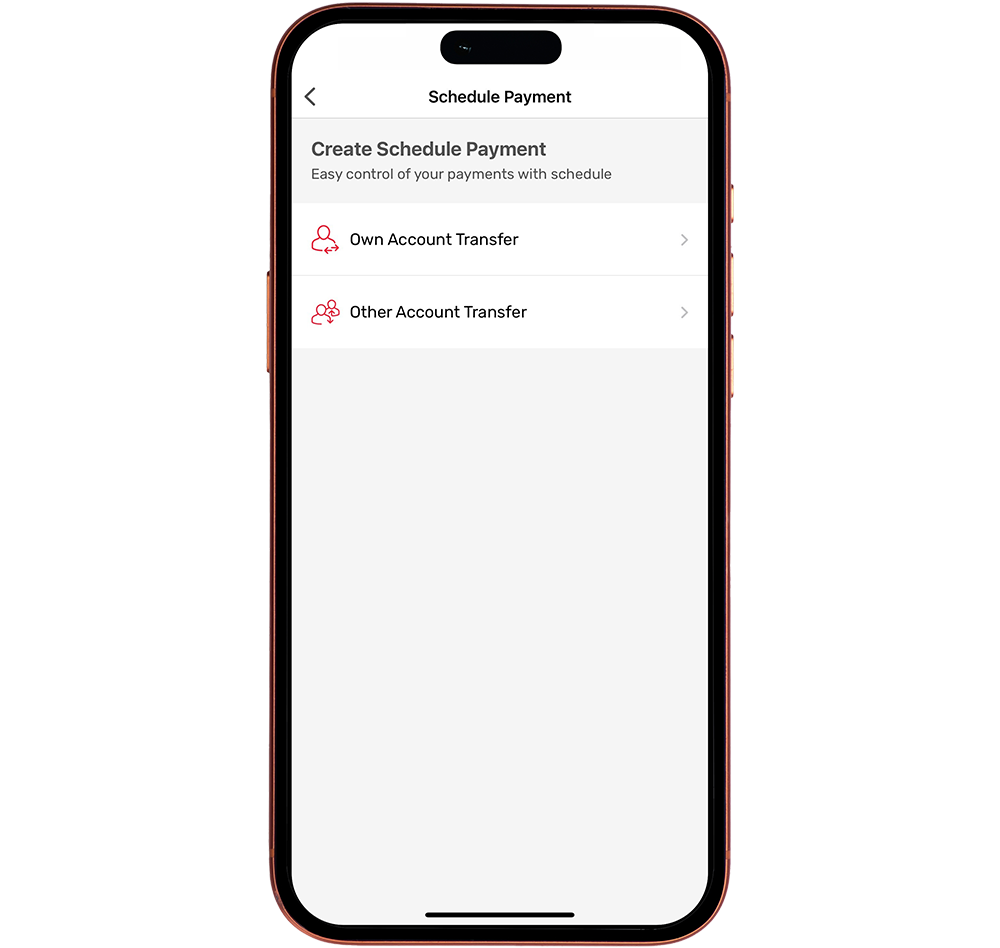
Need to make regular payments or loan repayments on specific dates? Schedule your payments easily through ‘Scheduled Payments’ feature.
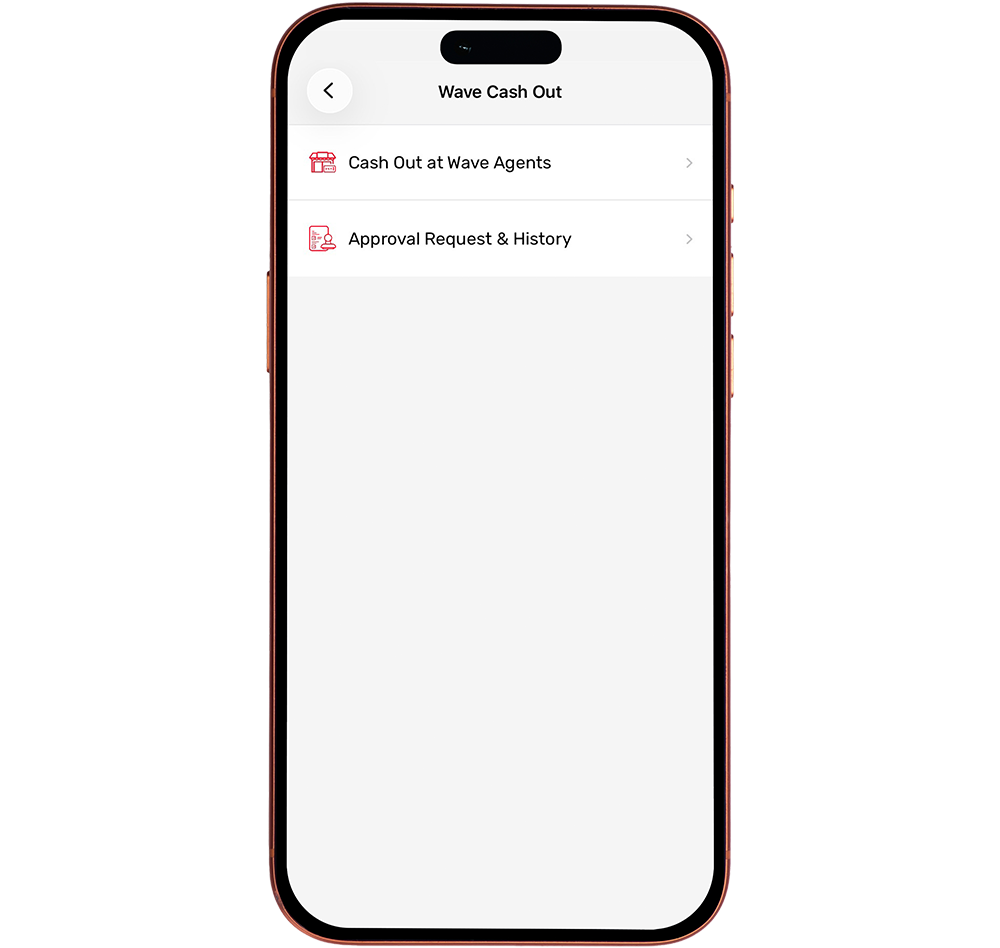

Cash Out at Wave Agents
Withdraw cash conveniently at nearby Wave Agent locations using the ‘Wave Cash Out’ feature.

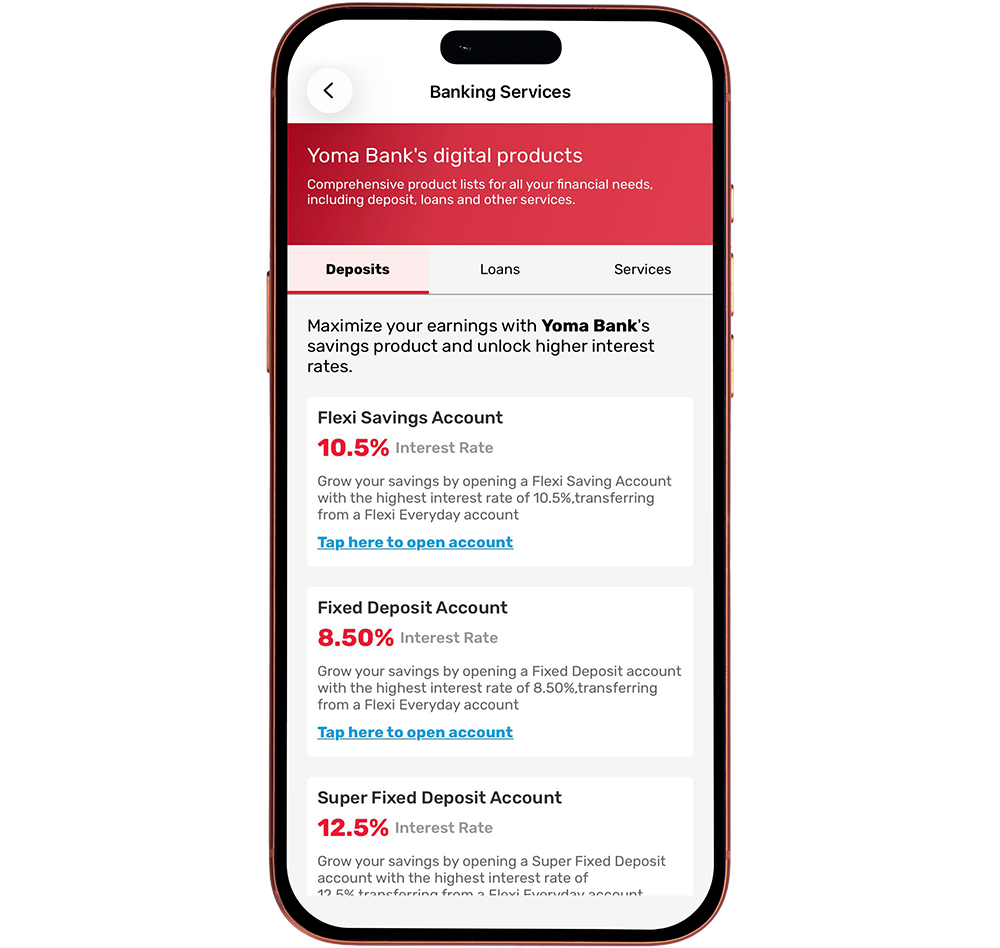
Fixed Deposit Account Opening
Open a Fixed Deposit Account directly through the ‘Fixed Deposit’ feature by selecting your preferred deposit type, deposit amount, tenure, and maturity type—all within the Yoma Bank Next Mobile Application.
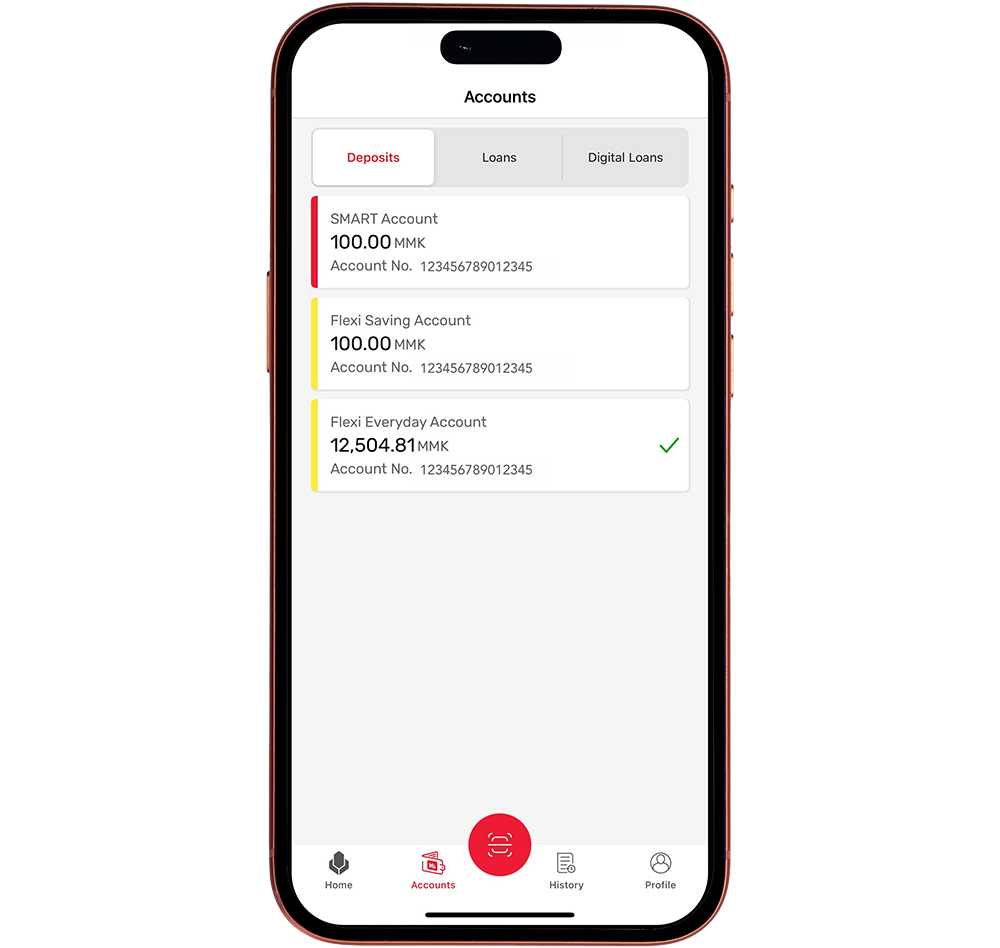

Manage Cards and Accounts
View and manage your Yoma Bank accounts and cards anytime through the ‘Accounts’ and ‘Cards’ sections.
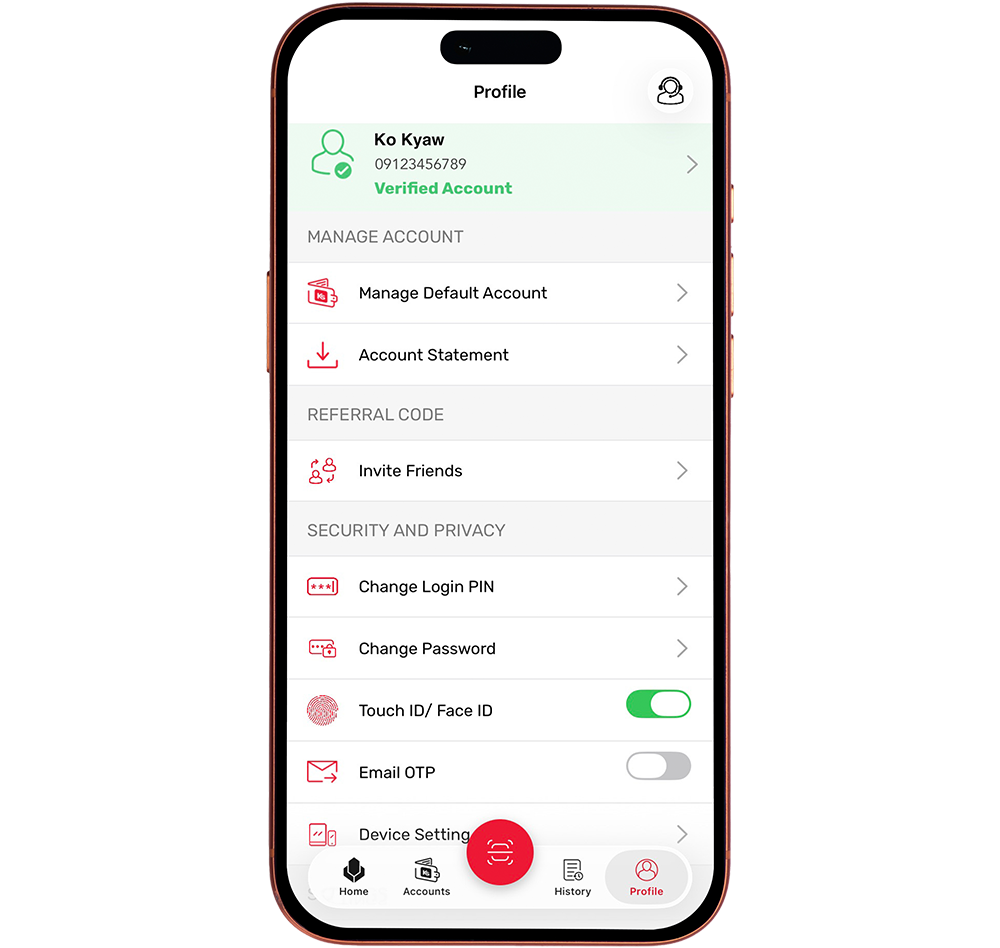
Device Setting
Manage your registered devices through the ‘Device Setting’ feature in the ‘Profile’ section. You can view linked devices and easily register a new device by completing the verification process.
Yoma Bank Next Mobile Application
Frequently Asked Questions
Please visit your nearest Yoma Bank branch and bring your NRC or Passport for applying.





You may also be interested in