

 BizSpace Portal
 Payroll Portal
 Supply Chain Financing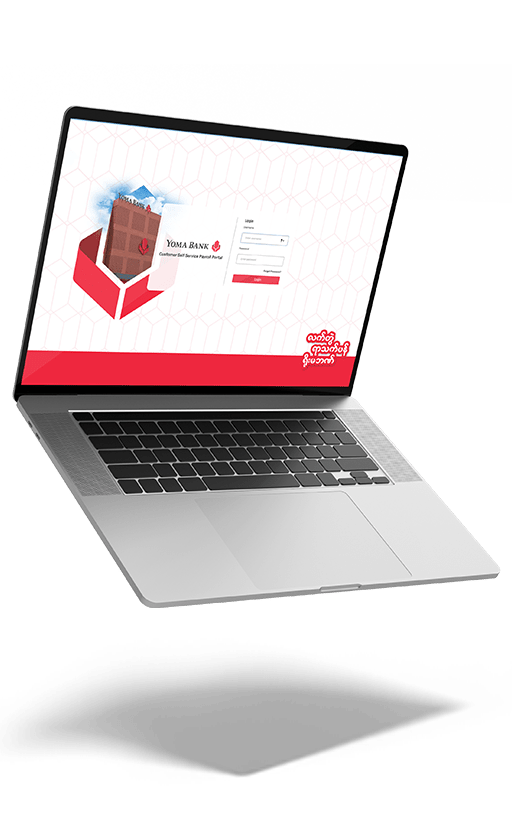
Yoma Bank
BizSpace Portal
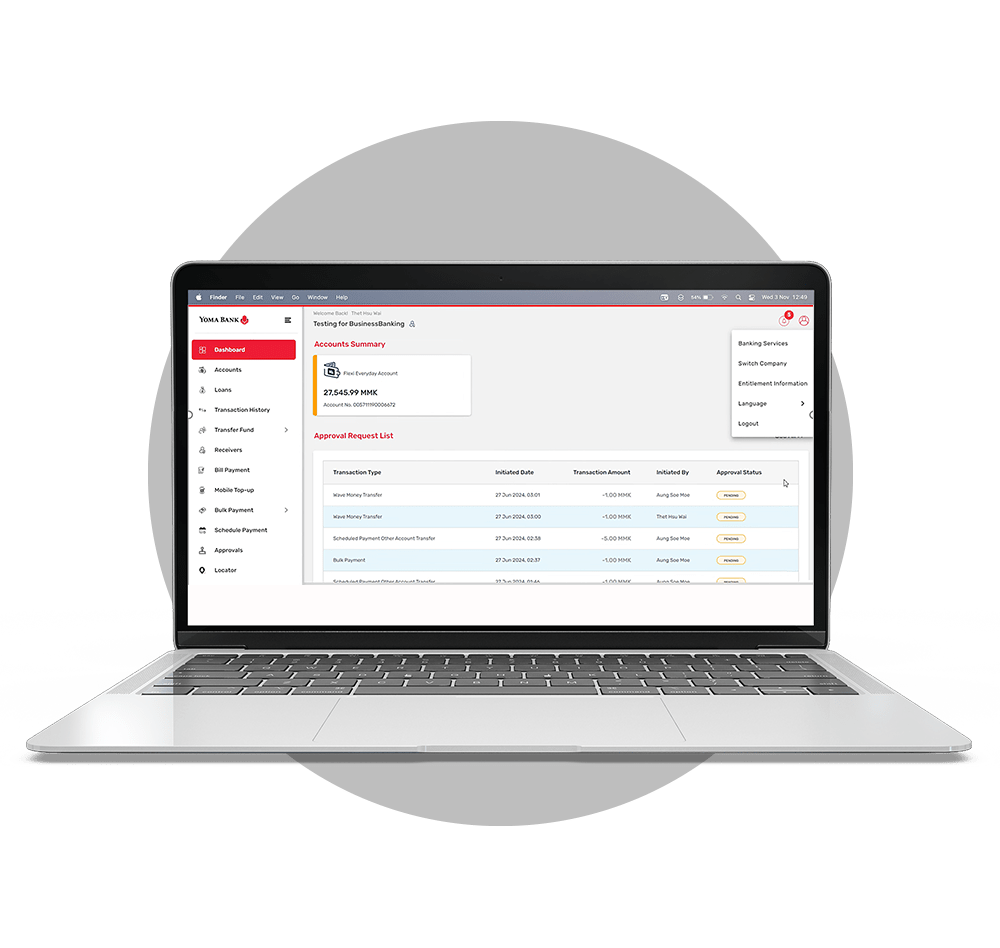
The BizSpace Portal is a digital online banking platform for our business customers. The service aims to provide financial management support and solutions tailored to the needs of businesses and organizations. It is designed to facilitate smooth banking operations, offering secure and easy-to-use account management capabilities for handling financial transactions.
Why you should use Yoma Bank BizSpace Portal?
Features & Benefits


Available in 3 Languages
Access and use the portal in your preferred language: English, Myanmar, or Chinese.

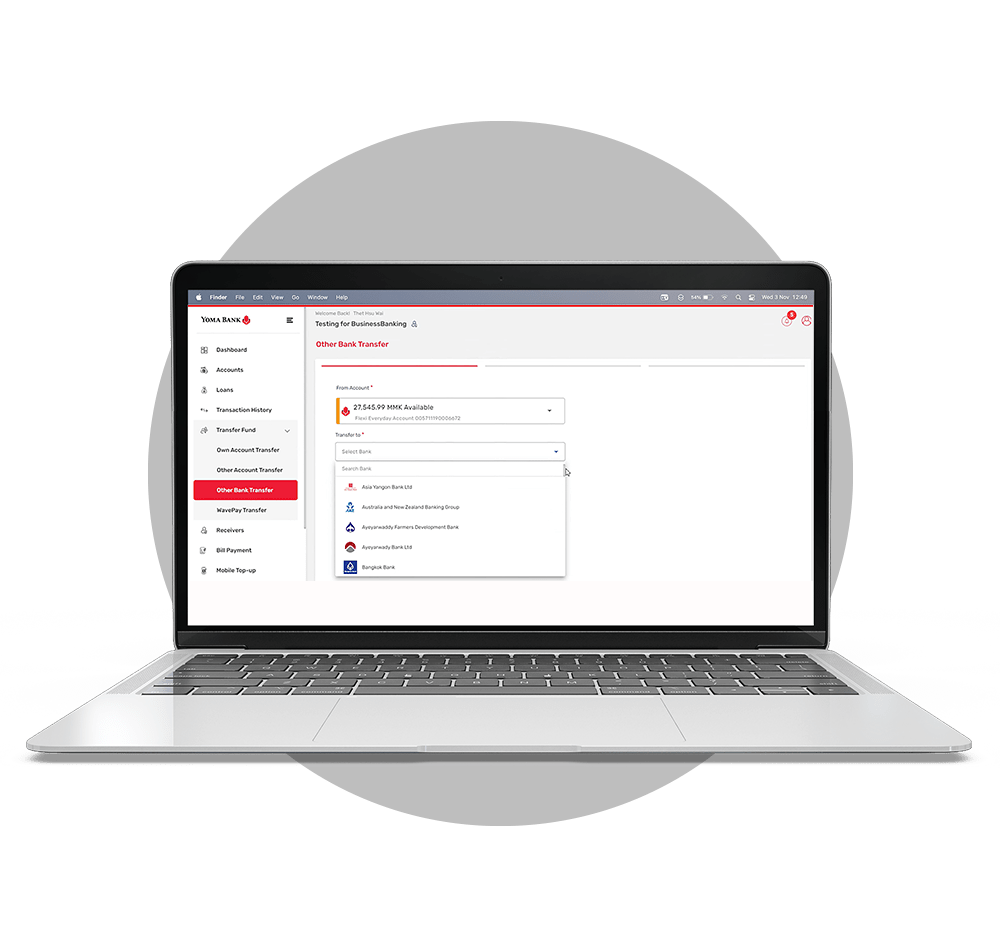
Other Bank Transfer
Transfer funds directly from your Yoma Bank account to over 50 other local banks.
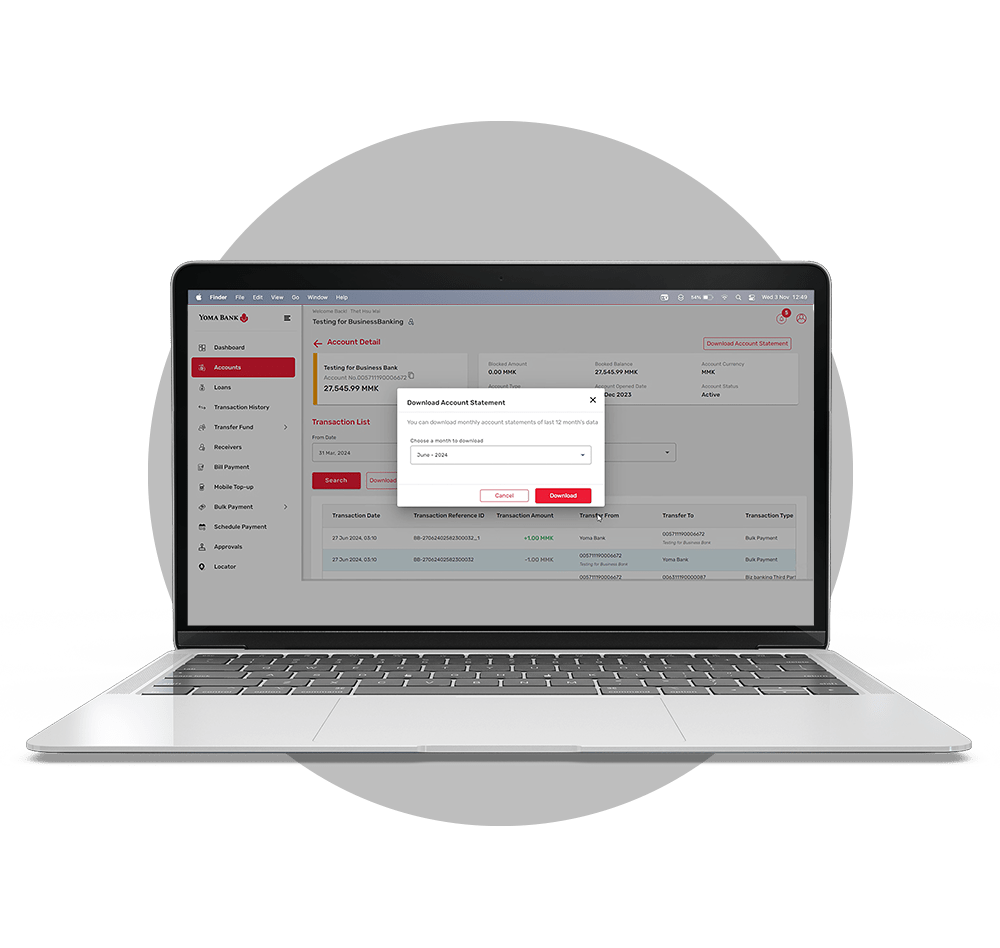

Account Statement
Generate monthly account statements in real-time and easily save recipient details.
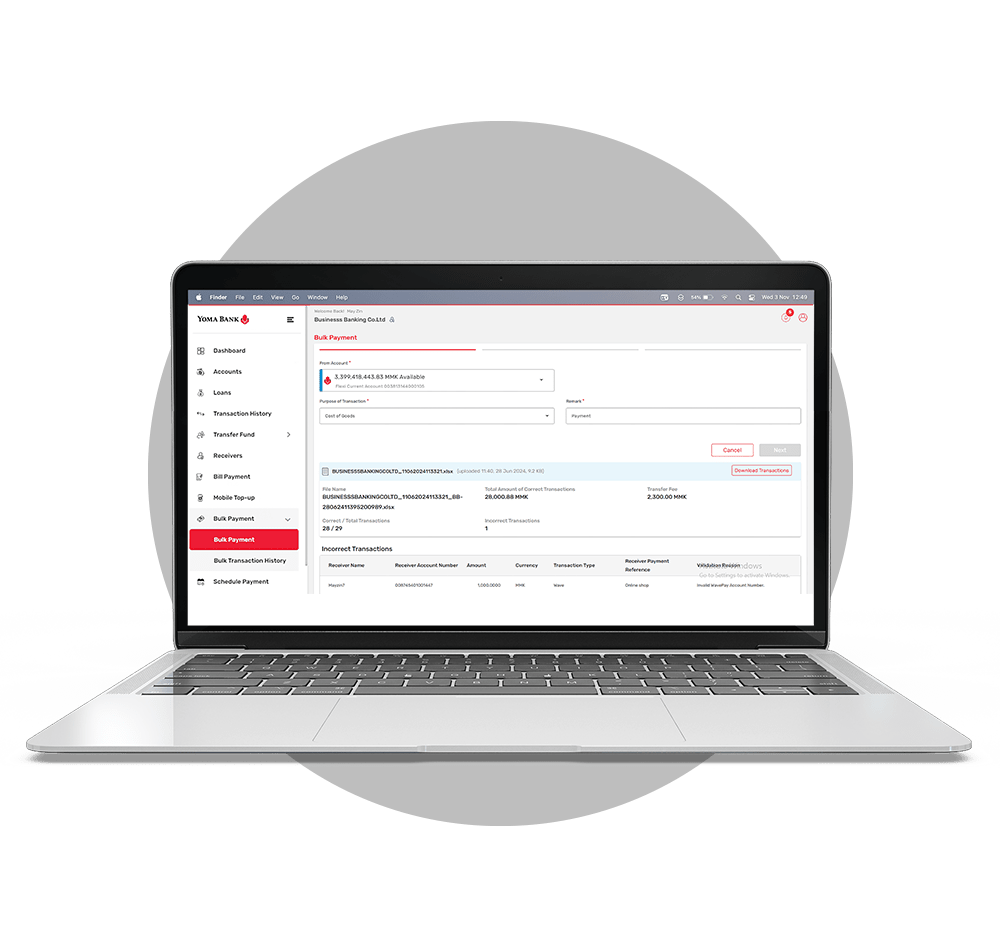
Bulk Payment
Make bulk payments up to 1,000 transactions in one file.
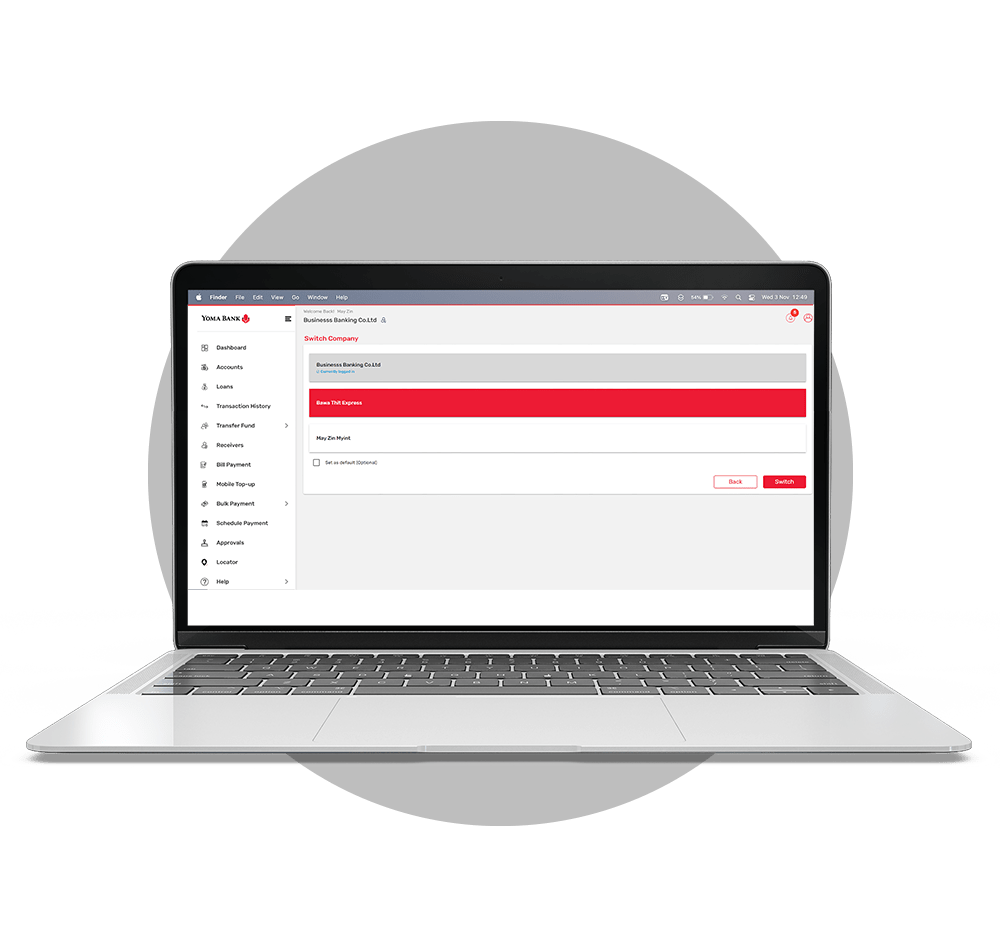

Switch Company/Entity
Seamlessly switch between multiple business profiles to manage different corporate accounts quickly and easily.

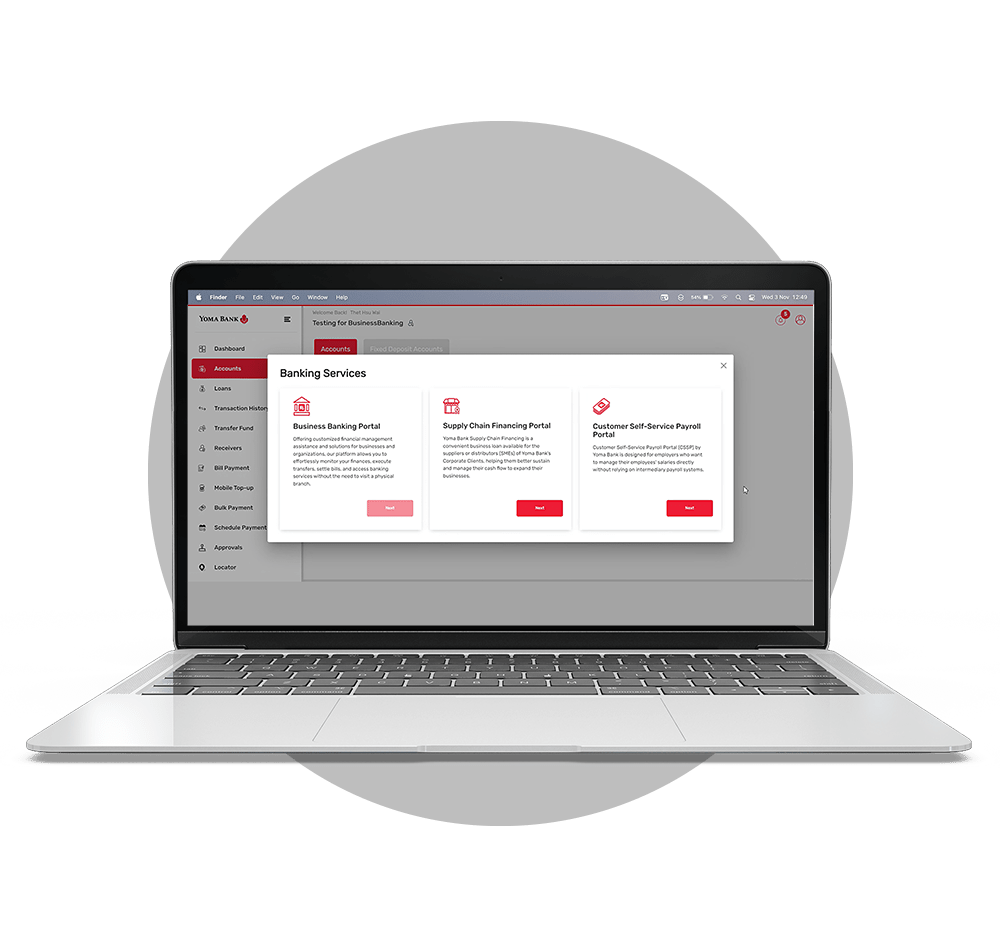
One Login for multiple portals
Utilize BizSpace Portal, Supply Chain Financing Portal, and Customer Self-Service Payroll Portal by one-time login.
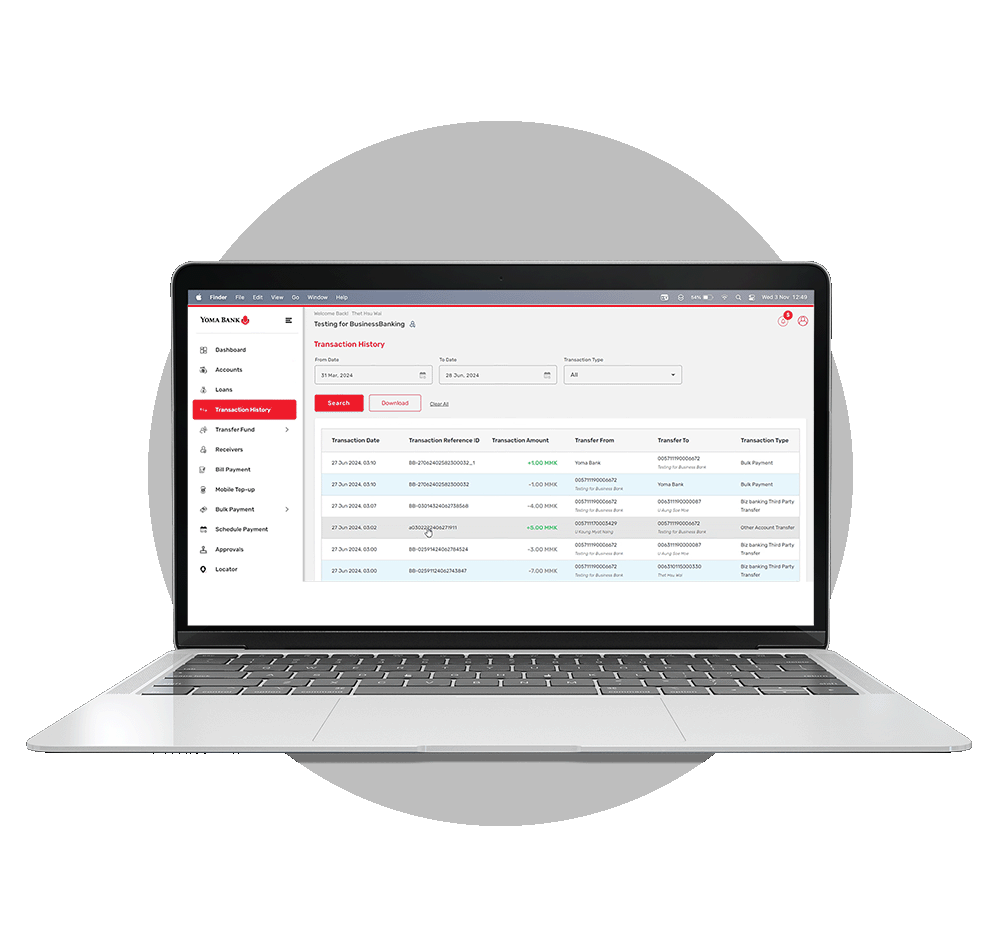

Transaction History
View and download transaction history.

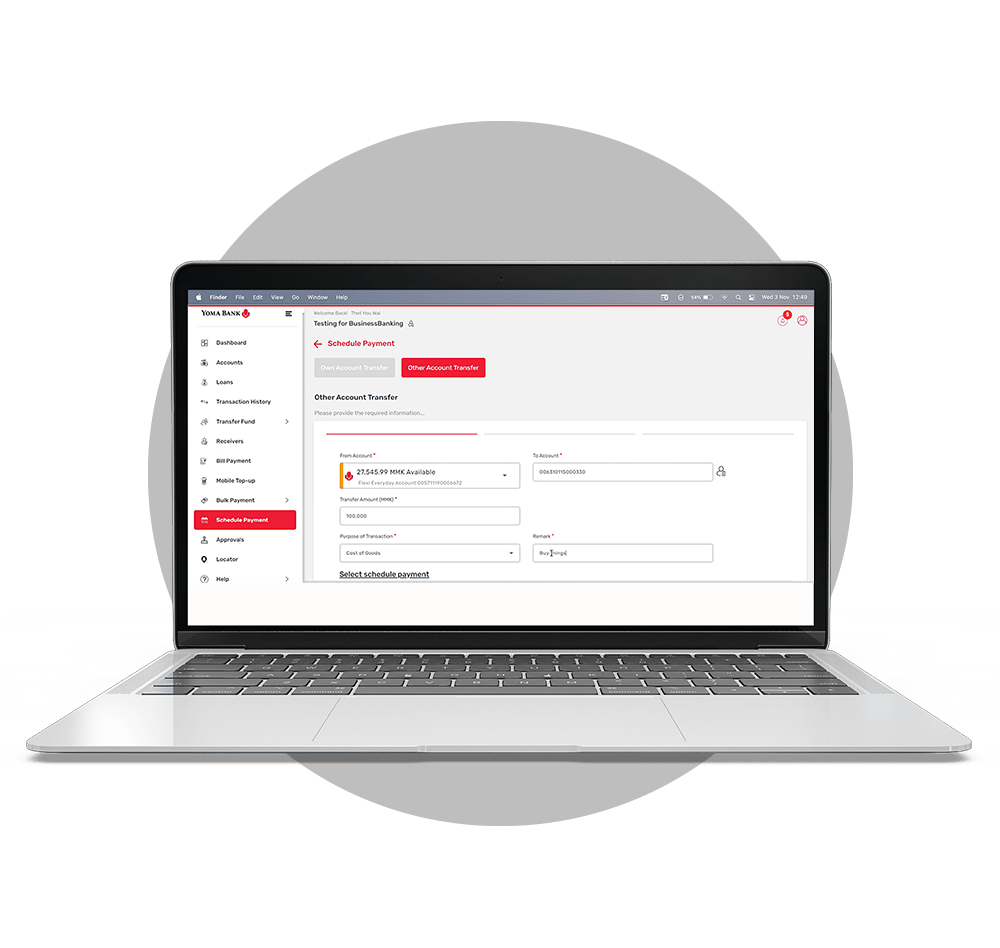
Schedule Payment
Set up advance transfers between your own accounts or to other Yoma Bank accounts by scheduling payments for specific future dates.
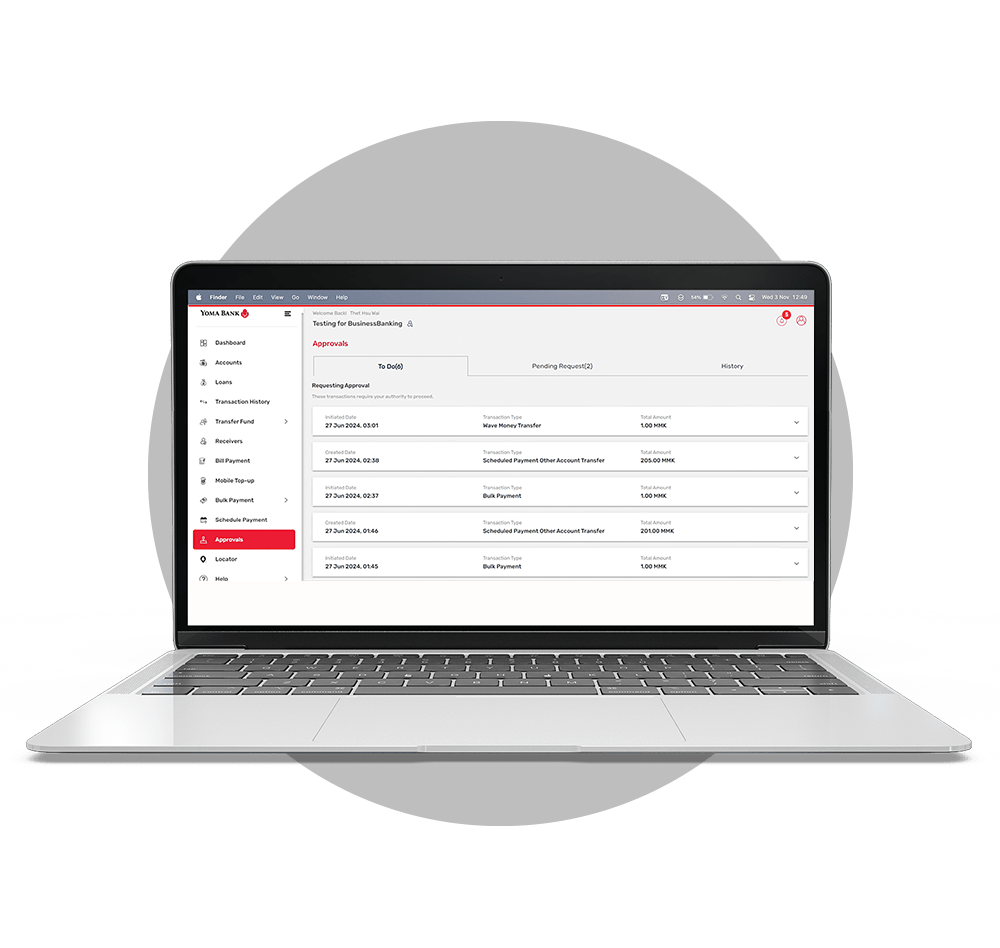

Maker and Check authorization
Perform transactions in accordance with Maker and Checker requirements to obtain signature approval.

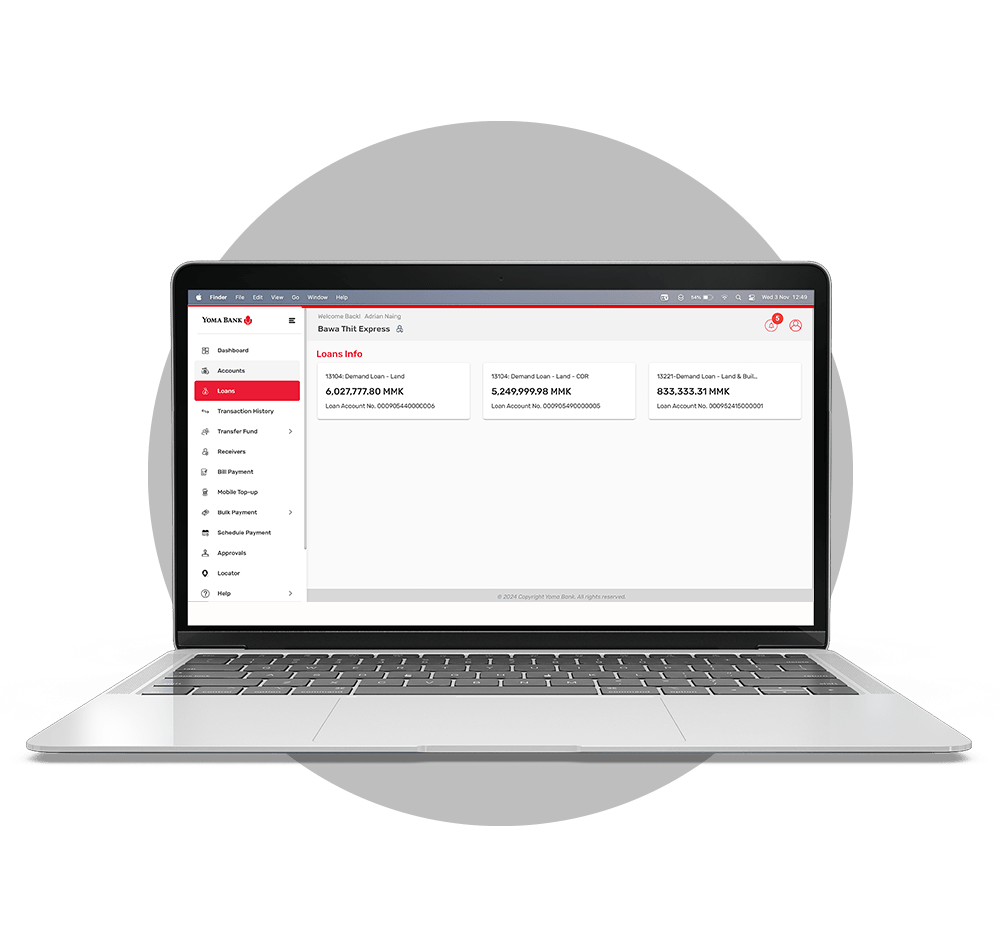
Loan & Fixed Deposit Management
Monitor your active loan details in real-time and directly open new Fixed Deposit accounts online.
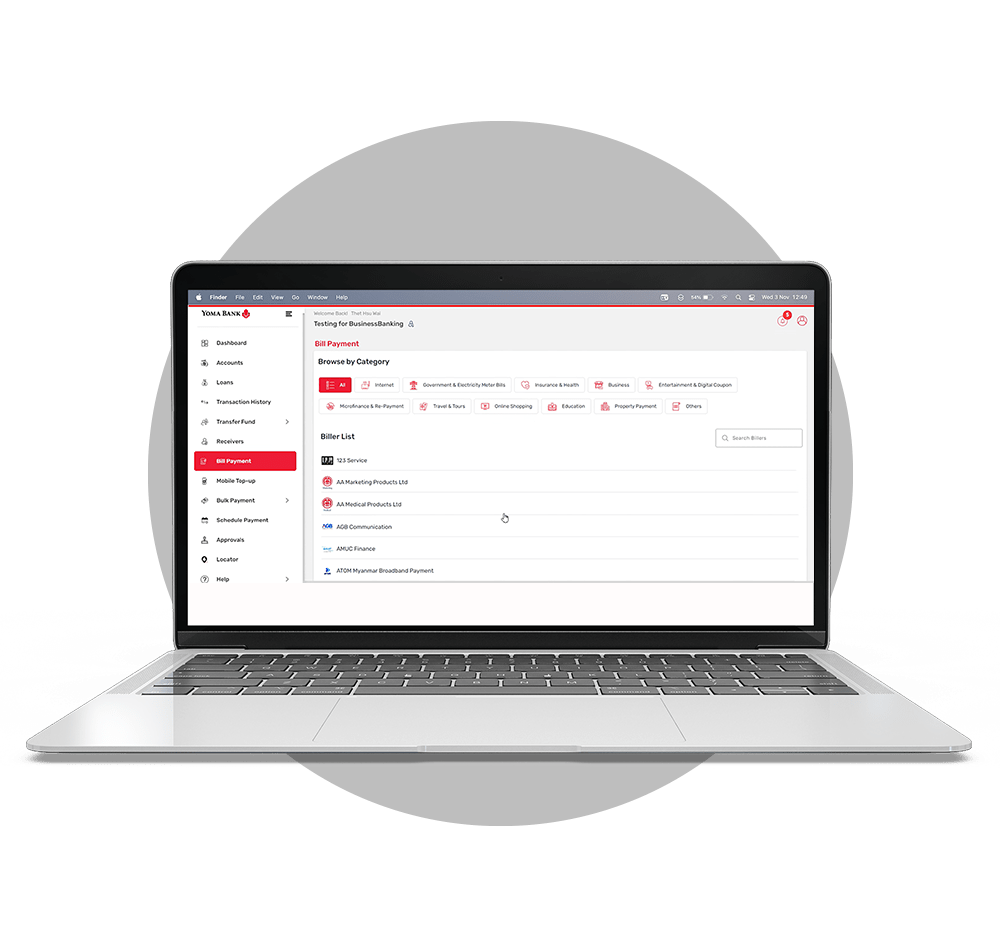

Bill payments
Conveniently settle utility bills, Mobile Top-ups, corporate expenses, and other service charges anytime.

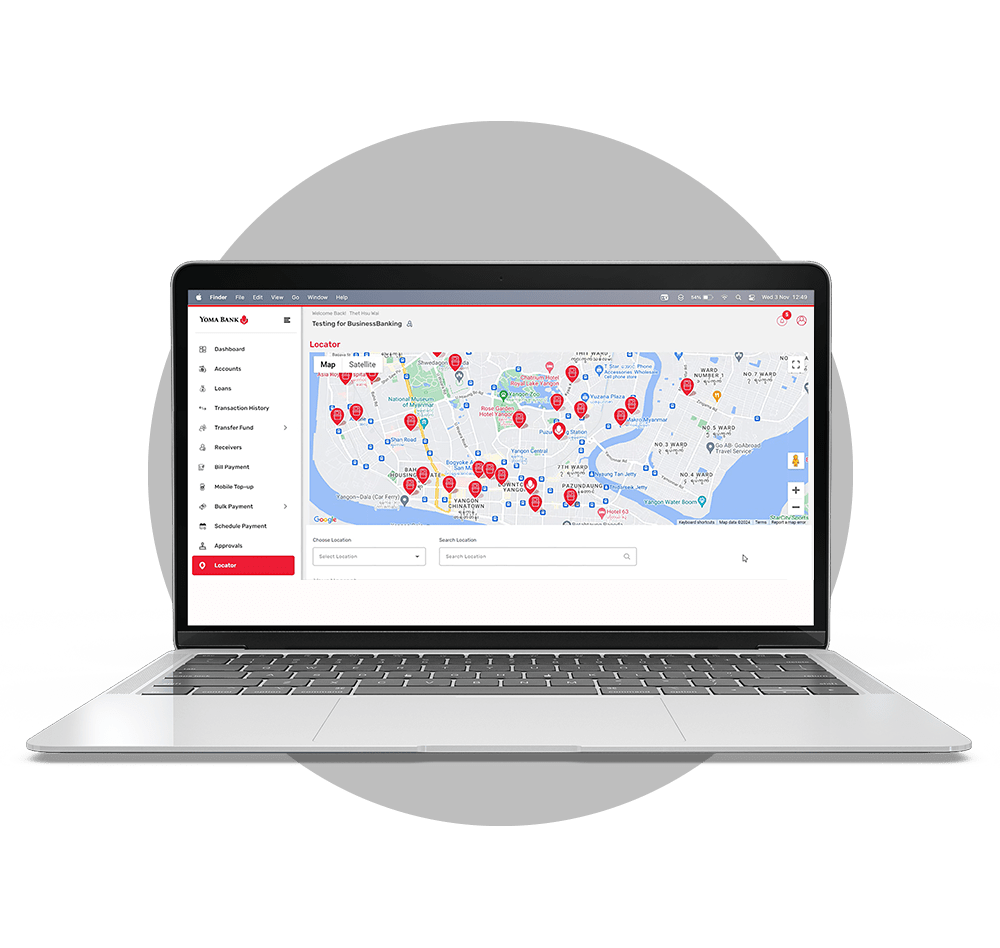
Branch & ATM Locator
Quickly locate Yoma Bank branches and ATMs with integrated map views for hassle-free navigation.
How to Apply for the BizSpace Digital Banking Service
You can easily apply to use the BizSpace Portal corporate digital banking service through nearby branches or online.
1) Please ensure that all the required documents are filled out completely and accurately:
2) Submit the completed forms and required documents via one of the following options:
- Apply online by sending the required documents to [email protected]
- Apply in person by submitting your documents at the nearest branch.

Yoma Bank _ BizSpace Portal (Digital Banking Service)
Frequently Asked Questions
You can login BizSpace Portal by visiting either of the following links via your web browser and logging in with your Username and Password:
You can reset yourself at “Forget Password” at the login screen by filling in your information. You can refer to “Forgot Password” session in the User Manual. Click here for the details.
You can choose the specific account and the month you wish to download your monthly statements. From the homepage, navigate to the Accounts section, click on Account Summary, and select “Download Account Statement.”
You may also be interested in

Yoma Bank Next Mobile Application

MMQR